
FontRenderer and basic GL calls
EG1
Draw a text/string
This is under Minecraft context. Don't forget to register event listeners.
RenderGameOverlayEventis generally considered as a good entry point for screen space HUD rendering.
java
@SubscribeEvent
public static void onRenderGameOverlay(RenderGameOverlayEvent event)
{
    Minecraft.getMinecraft().fontRenderer.drawString("test", 0, 0, Color.RED.getRGB());
}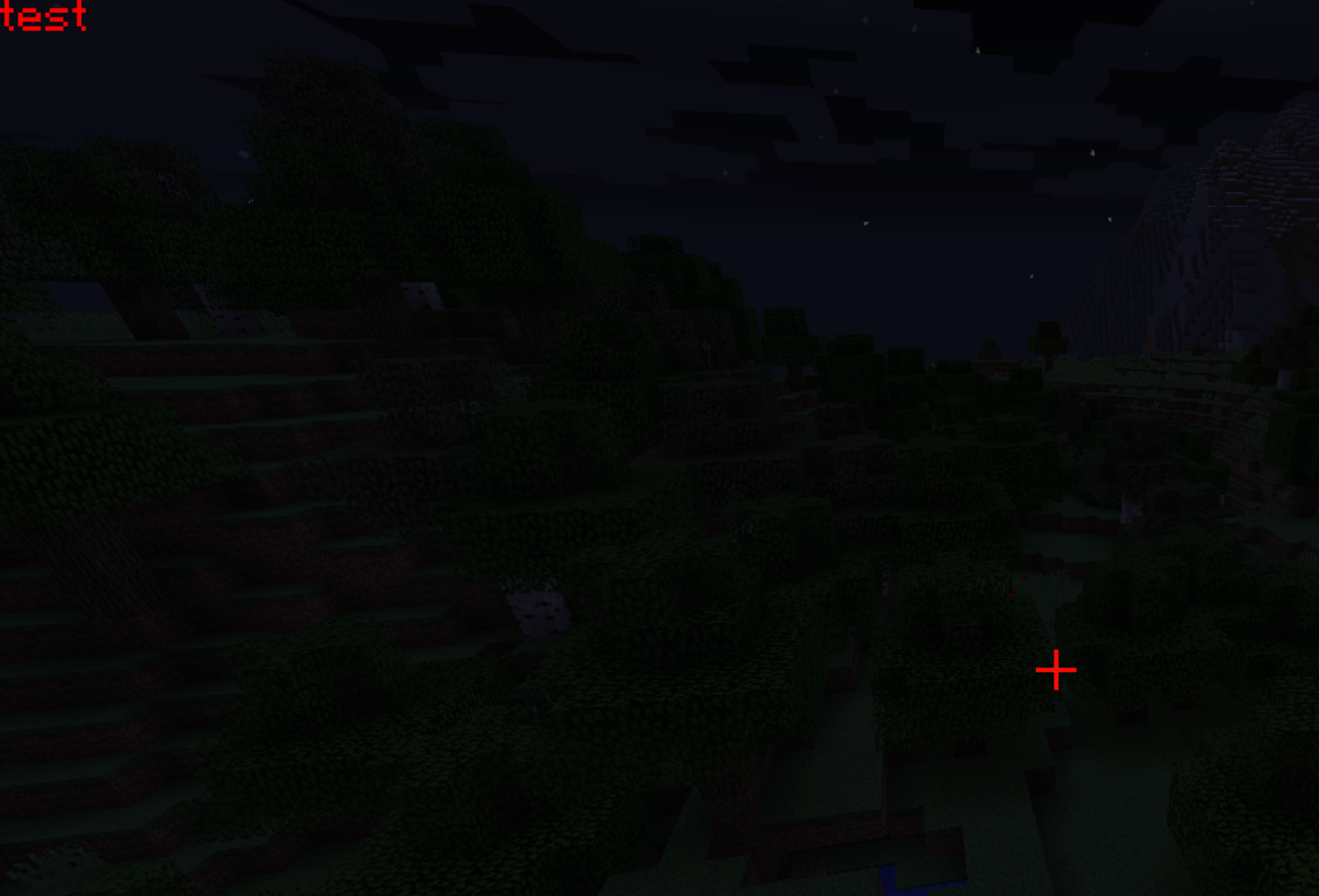
- The default rendering pivot is the top-left corner
- GL is a state machine so the color change affects the crosshair
Notice:
Another major reason why GL state leaks here is that Minecraft'sFontRendereris based on the fixed-func pipeline that heavily relies on GL states.
If you implemented a font renderer via shaders (i.e. programmable pipeline), it'll be much safer "states" wise, but the current bounded shader program is also a state, so...
EG2
Draw a string with state leakage handled
java
FloatBuffer floatBuffer = ByteBuffer.allocateDirect(16 << 2).order(ByteOrder.nativeOrder()).asFloatBuffer();

GL11.glGetFloat(GL11.GL_CURRENT_COLOR, floatBuffer);
float r = floatBuffer.get(0);
float g = floatBuffer.get(1);
float b = floatBuffer.get(2);
float a = floatBuffer.get(3);

Minecraft.getMinecraft().fontRenderer.drawString("test", 0, 0, Color.RED.getRGB());

GlStateManager.color(r, g, b, a);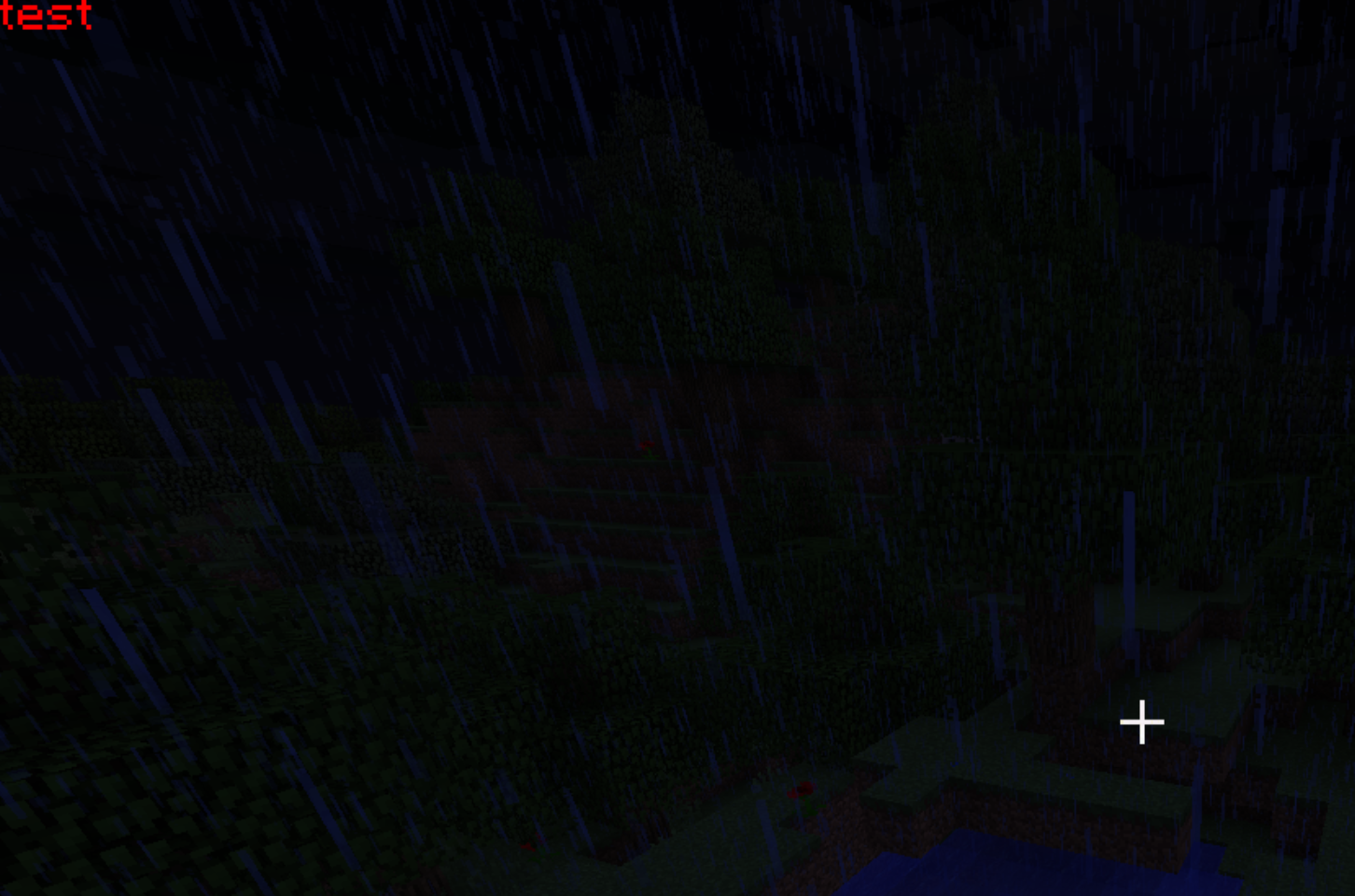
- Avoid the state leakage by recording the value and restoring it
Notice:
- LWJGL3 provides
MemoryStackto get temporary byte buffers so you don't have to allocate and maintain one by yourself- LWJGL3 provides
GL11Cto allow easier state queries: you can pass aint[]instead- Never allocate byte buffers in hotpaths (slow!)
- Don't forget to set order to
nativeOrder(aka CPU endianness)ByteBuffer.asFloatBuffer()points to the same slice of memory
EG3
Changing x
java
Minecraft.getMinecraft().fontRenderer.drawString("test", 10, 0, Color.RED.getRGB());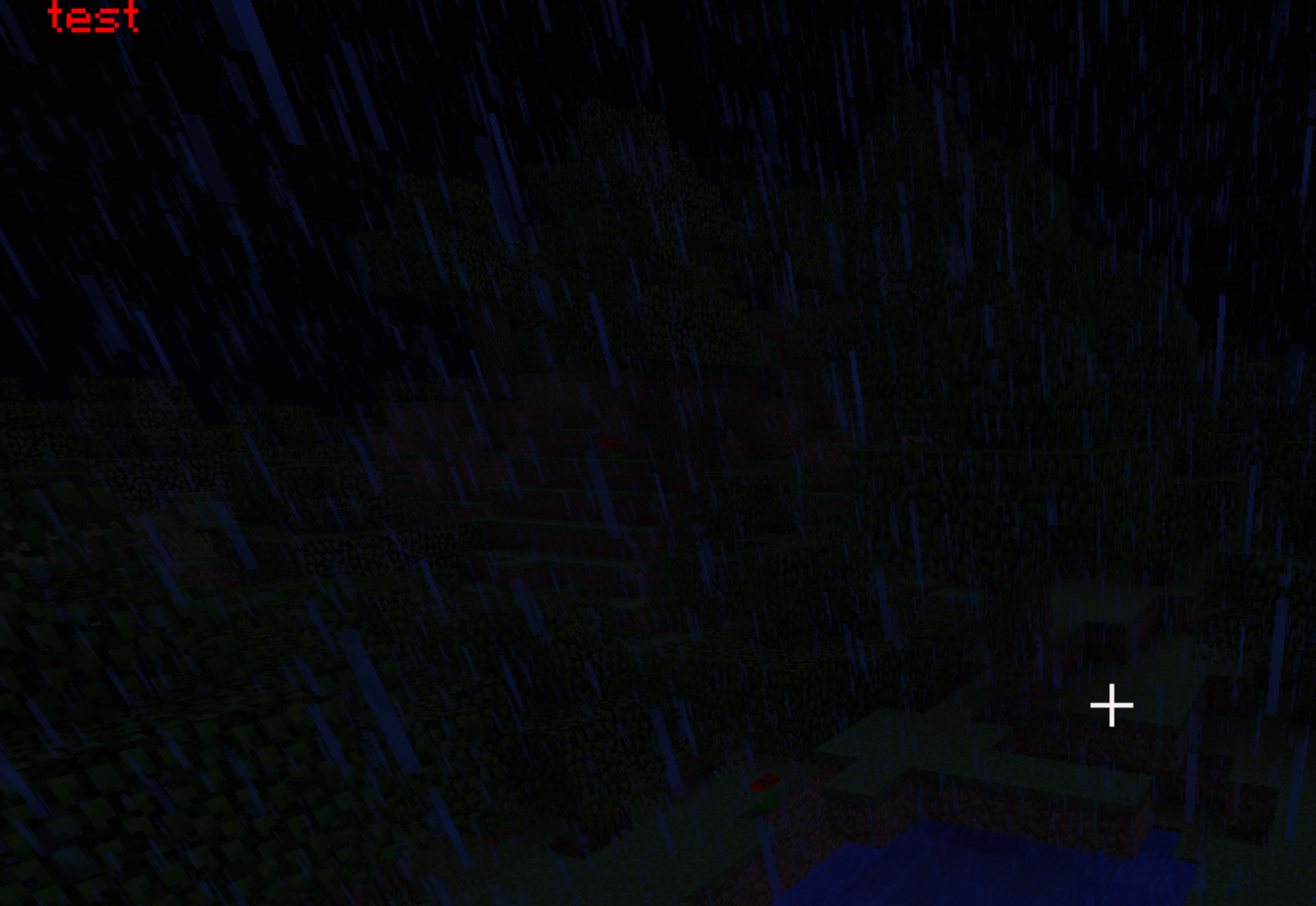
- X-axis is like our normal x-axis
EG4
Changing y
java
Minecraft.getMinecraft().fontRenderer.drawString("test", 0, 10, Color.RED.getRGB());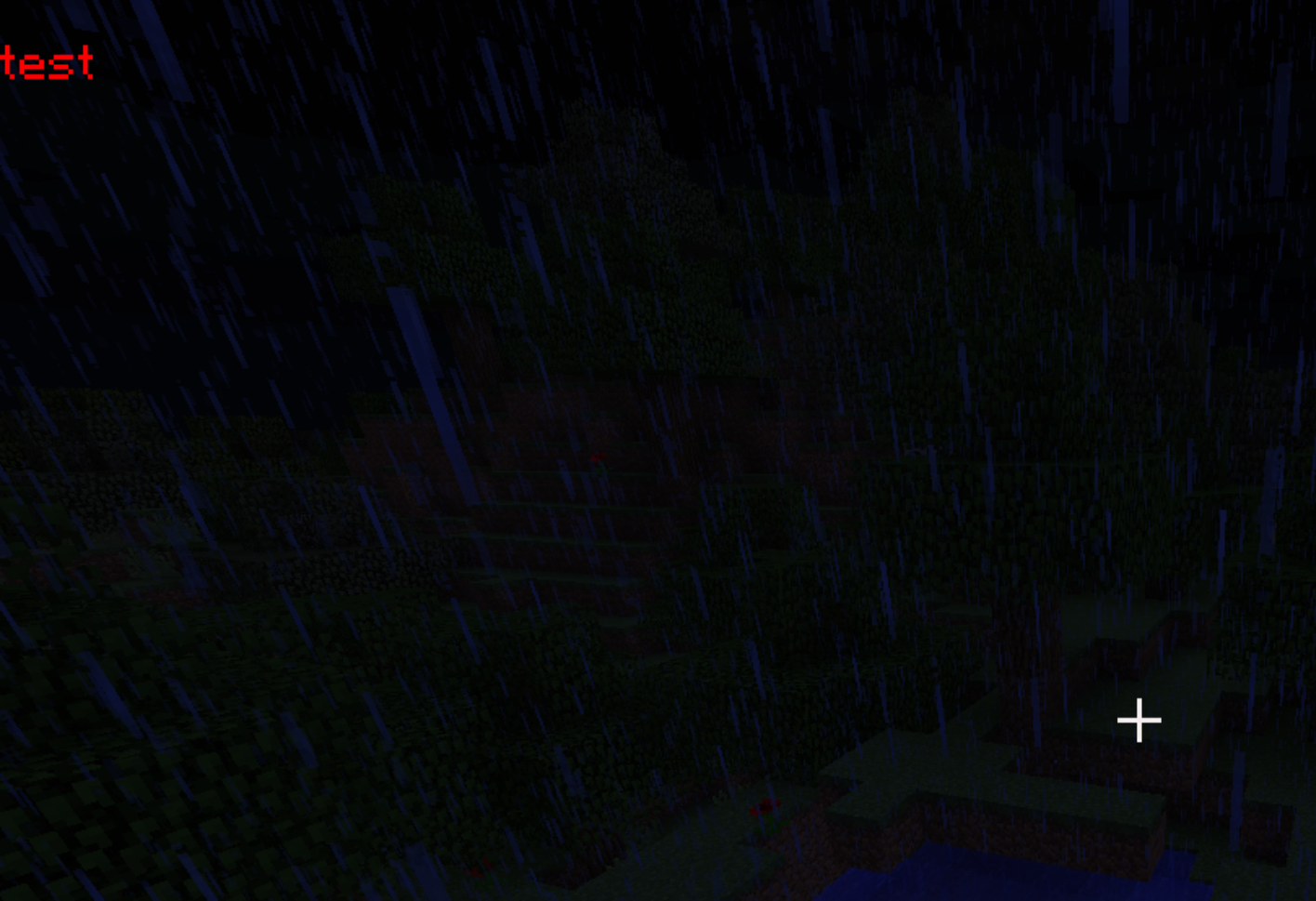
- Y-axis is upside down
EG5
Transformation
java
// push the transformation matrix
GlStateManager.pushMatrix();
GlStateManager.translate(20, 20, 0);
GlStateManager.scale(2, 2, 0);
Minecraft.getMinecraft().fontRenderer.drawString("test", 0, 0, Color.RED.getRGB());
// pop the transformation matrix
GlStateManager.popMatrix();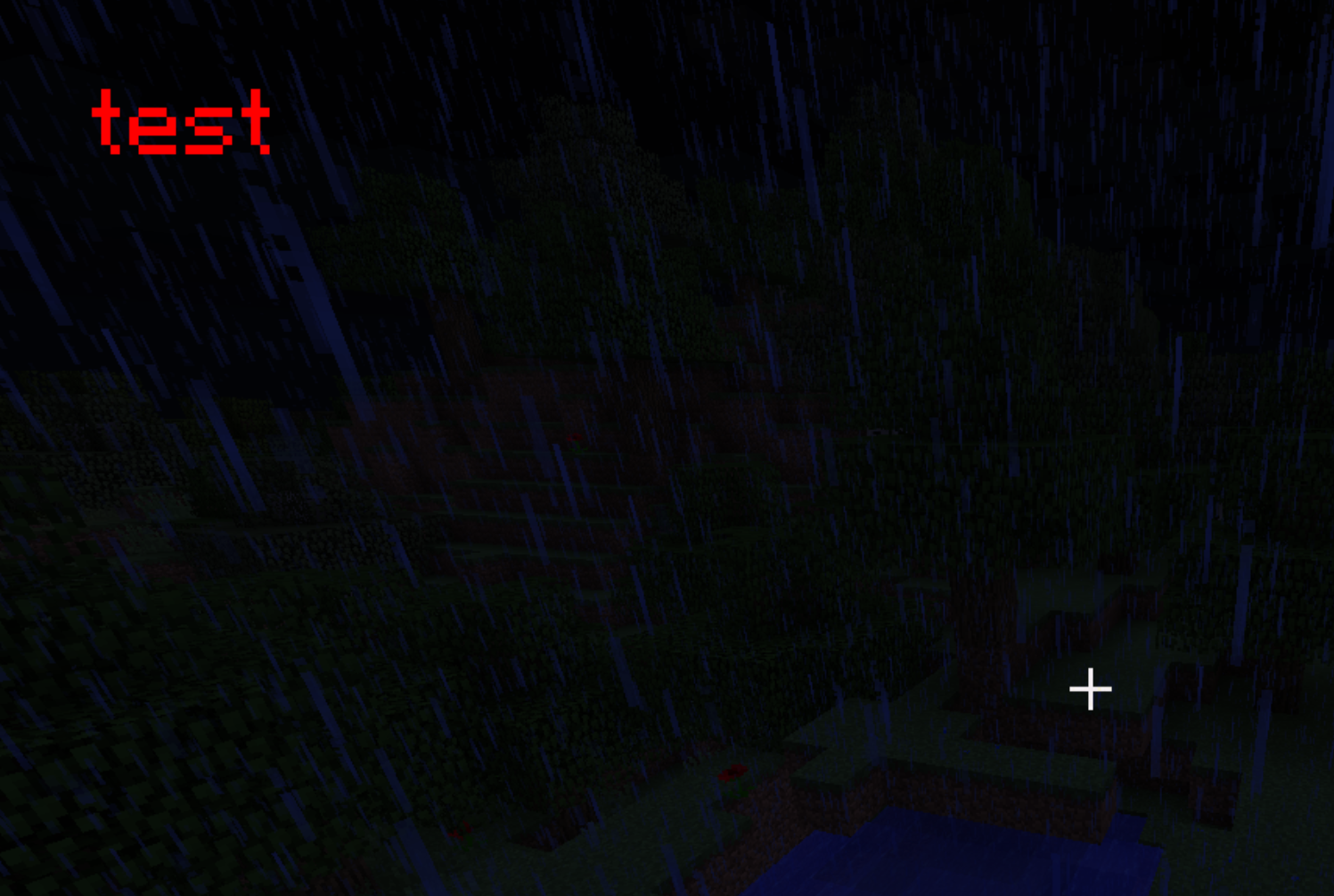
- We want to use
pushMatrix&popMatrixto define the scope of transformation first - And this is how
scale&translatework
EG6
Transformation order
java
GlStateManager.pushMatrix();
// notice the order of `scale` and `translate`
GlStateManager.scale(2, 2, 0);
GlStateManager.translate(20, 20, 0);
Minecraft.getMinecraft().fontRenderer.drawString("test", 0, 0, Color.RED.getRGB());
GlStateManager.popMatrix();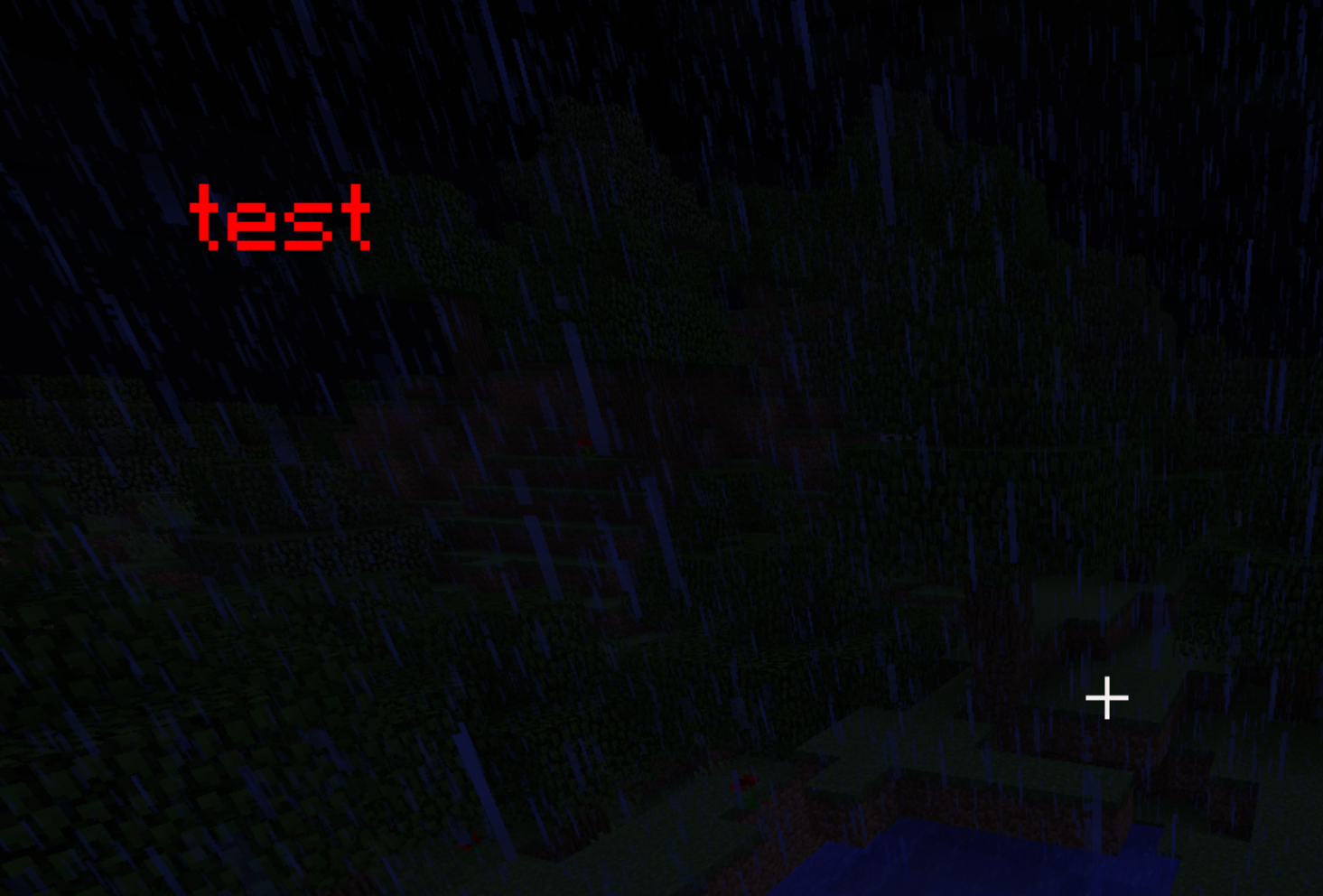
- The
testmoves further because we apply thex2 scalefirst - Be careful with the order of
scalecalls
 Nullpinter