
Shapes and GL states
EG1
Draw a white square
Notice: GL state leakage is being handled implicitly.
java
GlStateManager.disableTexture2D();
GlStateManager.enableBlend();
GlStateManager.disableAlpha();
GlStateManager.tryBlendFuncSeparate(GlStateManager.SourceFactor.SRC_ALPHA, GlStateManager.DestFactor.ONE_MINUS_SRC_ALPHA, GlStateManager.SourceFactor.ONE, GlStateManager.DestFactor.ZERO);
GlStateManager.disableCull();
GlStateManager.color(1, 1, 1, 1);

int x = 10, y = 10, width = 20, height = 20;

GL11.glBegin(GL11.GL_QUADS);
GL11.glVertex2f(x, y);
GL11.glVertex2f(x + width, y);
GL11.glVertex2f(x + width, y + height);
GL11.glVertex2f(x, y + height);
GL11.glEnd();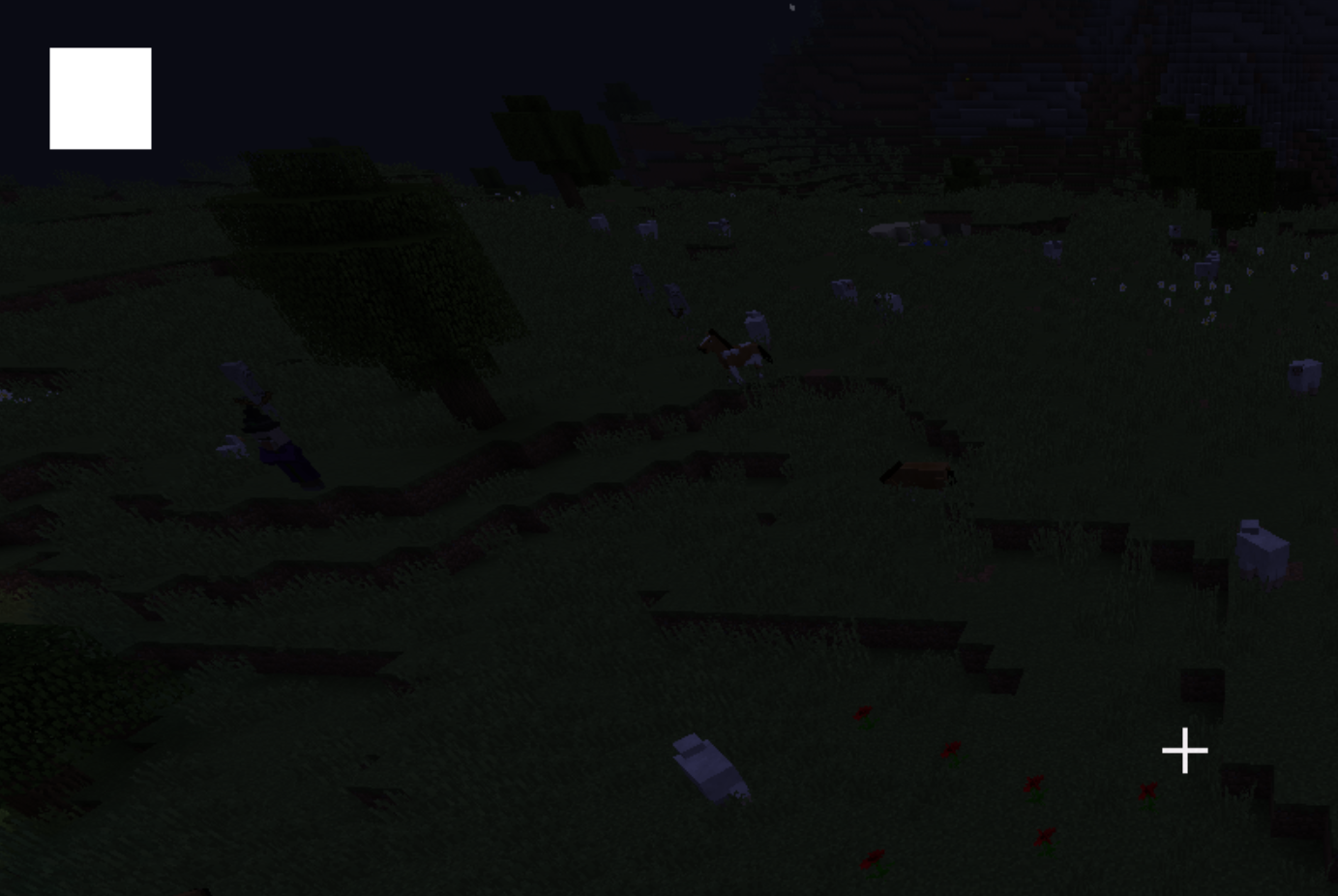
- A white square is being drawn
EG2
An alternative way
java
GlStateManager.disableTexture2D();
GlStateManager.enableBlend();
GlStateManager.disableAlpha();
GlStateManager.tryBlendFuncSeparate(GlStateManager.SourceFactor.SRC_ALPHA, GlStateManager.DestFactor.ONE_MINUS_SRC_ALPHA, GlStateManager.SourceFactor.ONE, GlStateManager.DestFactor.ZERO);
GlStateManager.disableCull();
GlStateManager.color(1, 1, 1, 1);

int x = 10, y = 10, width = 20, height = 20;

Tessellator tessellator = Tessellator.getInstance();
BufferBuilder bufferbuilder = tessellator.getBuffer();
bufferbuilder.begin(GL11.GL_QUADS, DefaultVertexFormats.POSITION);
bufferbuilder.pos(x, y, 0).endVertex();
bufferbuilder.pos(x + width, y, 0).endVertex();
bufferbuilder.pos(x + width, y + height, 0).endVertex();
bufferbuilder.pos(x, y + height, 0).endVertex();
tessellator.draw();- This example is totally equivalent to the first one
- But we use the Minecraft class
Tessellatorinstead - It's recommended to use
Tessellator&BufferBuilderinstead becauseglBegin...glEndis slow
EG3
Without disableTexture2D
java
//GlStateManager.disableTexture2D();
GlStateManager.enableBlend();
GlStateManager.disableAlpha();
GlStateManager.tryBlendFuncSeparate(GlStateManager.SourceFactor.SRC_ALPHA, GlStateManager.DestFactor.ONE_MINUS_SRC_ALPHA, GlStateManager.SourceFactor.ONE, GlStateManager.DestFactor.ZERO);
GlStateManager.disableCull();
GlStateManager.color(1, 1, 1, 1);

// draw that square
// code from EG2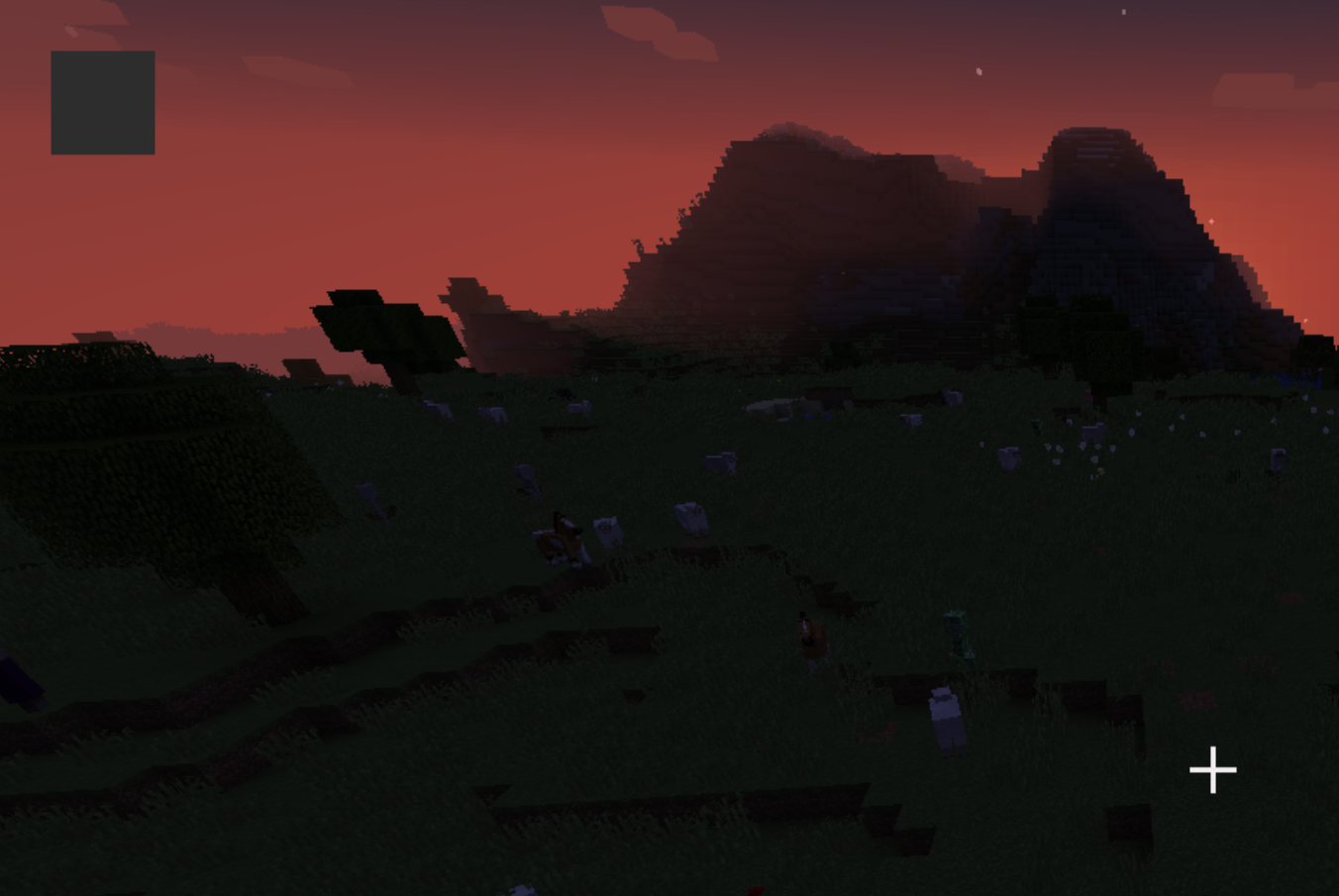
- Our square becomes unexpected without
disableTexture2D - It's because a texture is being used
EG4
Without enableBlend
java
GlStateManager.disableTexture2D();
//GlStateManager.enableBlend();
GlStateManager.disableAlpha();
GlStateManager.tryBlendFuncSeparate(GlStateManager.SourceFactor.SRC_ALPHA, GlStateManager.DestFactor.ONE_MINUS_SRC_ALPHA, GlStateManager.SourceFactor.ONE, GlStateManager.DestFactor.ZERO);
GlStateManager.disableCull();
GlStateManager.color(1, 1, 1, 1);

// draw that square
// code from EG2- We still get a white square
- Because we don't intend to draw anything transparent
- So actually no need to
blend
EG5
Without disableAlpha
java
GlStateManager.disableTexture2D();
GlStateManager.enableBlend();
//GlStateManager.disableAlpha();
GlStateManager.tryBlendFuncSeparate(GlStateManager.SourceFactor.SRC_ALPHA, GlStateManager.DestFactor.ONE_MINUS_SRC_ALPHA, GlStateManager.SourceFactor.ONE, GlStateManager.DestFactor.ZERO);
GlStateManager.disableCull();
GlStateManager.color(1, 1, 1, 1);

// draw that square
// code from EG2- Still, nothing happens
- We use
alpha testto discard pixels based on their alpha values - In this case, we disable
alpha testso we don't discard anything - And also, this white square doesn't even have alpha values
EG6
Without tryBlendFuncSeparate
java
GlStateManager.disableTexture2D();
GlStateManager.enableBlend();
GlStateManager.disableAlpha();
//GlStateManager.tryBlendFuncSeparate(GlStateManager.SourceFactor.SRC_ALPHA, GlStateManager.DestFactor.ONE_MINUS_SRC_ALPHA, GlStateManager.SourceFactor.ONE, GlStateManager.DestFactor.ZERO);
GlStateManager.disableCull();
GlStateManager.color(1, 1, 1, 1);

// draw that square
// code from EG2- Still, nothing happens
- Because we don't care how we blend things, and we don't even blend
EG7
Without disableCull
java
GlStateManager.disableTexture2D();
GlStateManager.enableBlend();
GlStateManager.disableAlpha();
GlStateManager.tryBlendFuncSeparate(GlStateManager.SourceFactor.SRC_ALPHA, GlStateManager.DestFactor.ONE_MINUS_SRC_ALPHA, GlStateManager.SourceFactor.ONE, GlStateManager.DestFactor.ZERO);
//GlStateManager.disableCull();
GlStateManager.color(1, 1, 1, 1);

int x = 10, y = 10, width = 20, height = 20;

Tessellator tessellator = Tessellator.getInstance();
BufferBuilder bufferbuilder = tessellator.getBuffer();
bufferbuilder.begin(GL11.GL_QUADS, DefaultVertexFormats.POSITION);
bufferbuilder.pos(x, y, 0).endVertex();
bufferbuilder.pos(x + width, y, 0).endVertex();
bufferbuilder.pos(x + width, y + height, 0).endVertex();
bufferbuilder.pos(x, y + height, 0).endVertex();
tessellator.draw();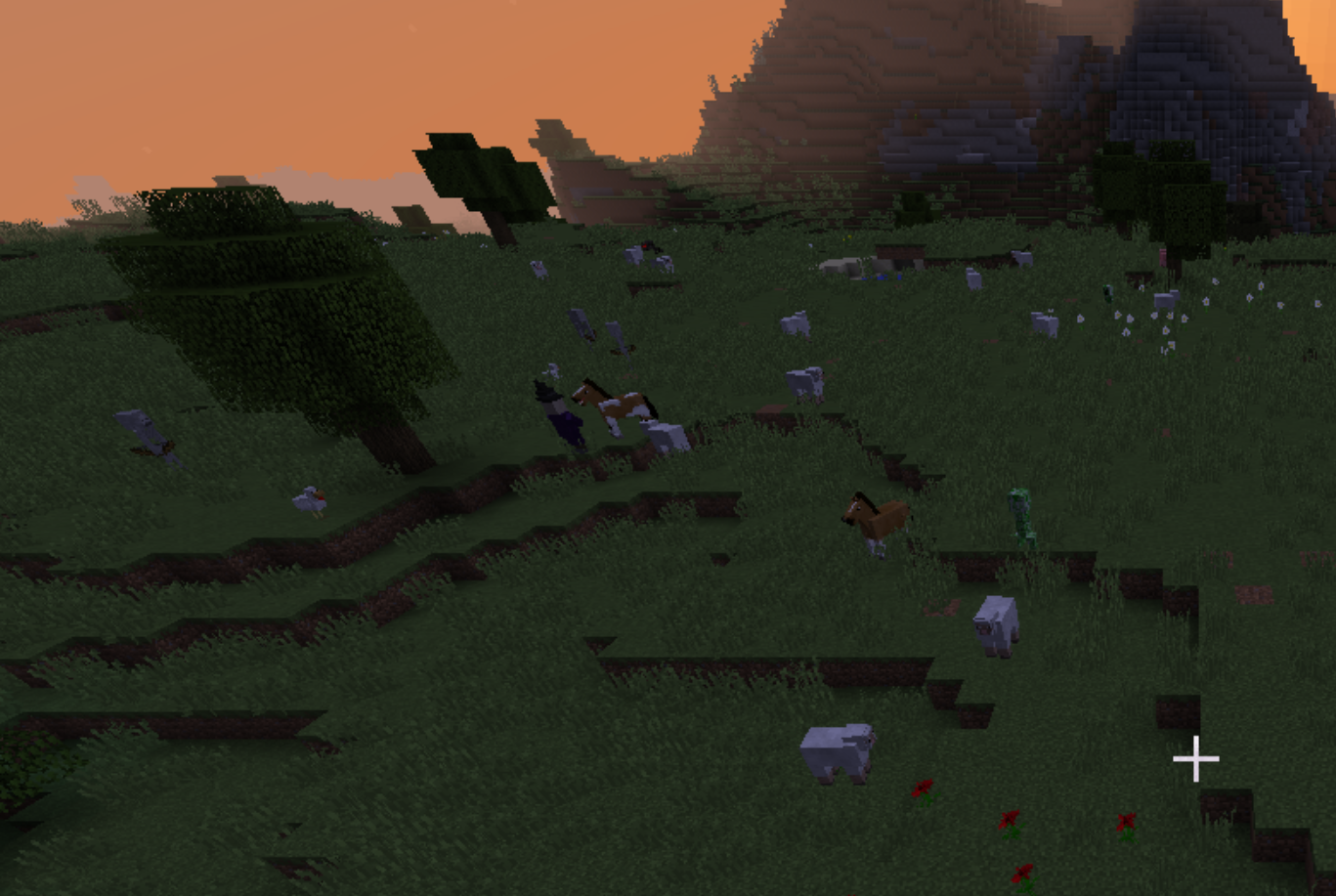
- Nothing is being rendered
- Let me explain
- By default, OpenGL uses counterclockwise vertex order for the front face of polygons. If your square's vertices are defined in clockwise order, OpenGL will consider it a "back" face and won't render it when culling is enabled, because culling removes the back faces.
EG8
Still without disableCull, but now it's a different story
java
GlStateManager.disableTexture2D();
GlStateManager.enableBlend();
GlStateManager.disableAlpha();
GlStateManager.tryBlendFuncSeparate(GlStateManager.SourceFactor.SRC_ALPHA, GlStateManager.DestFactor.ONE_MINUS_SRC_ALPHA, GlStateManager.SourceFactor.ONE, GlStateManager.DestFactor.ZERO);
//GlStateManager.disableCull();
GlStateManager.color(1, 1, 1, 1);

int x = 10, y = 10, width = 20, height = 20;

Tessellator tessellator = Tessellator.getInstance();
BufferBuilder bufferbuilder = tessellator.getBuffer();
bufferbuilder.begin(GL11.GL_QUADS, DefaultVertexFormats.POSITION);
bufferbuilder.pos(x, y, 0).endVertex();
bufferbuilder.pos(x, y + height, 0).endVertex();
bufferbuilder.pos(x + width, y + height, 0).endVertex();
bufferbuilder.pos(x + width, y, 0).endVertex();
tessellator.draw();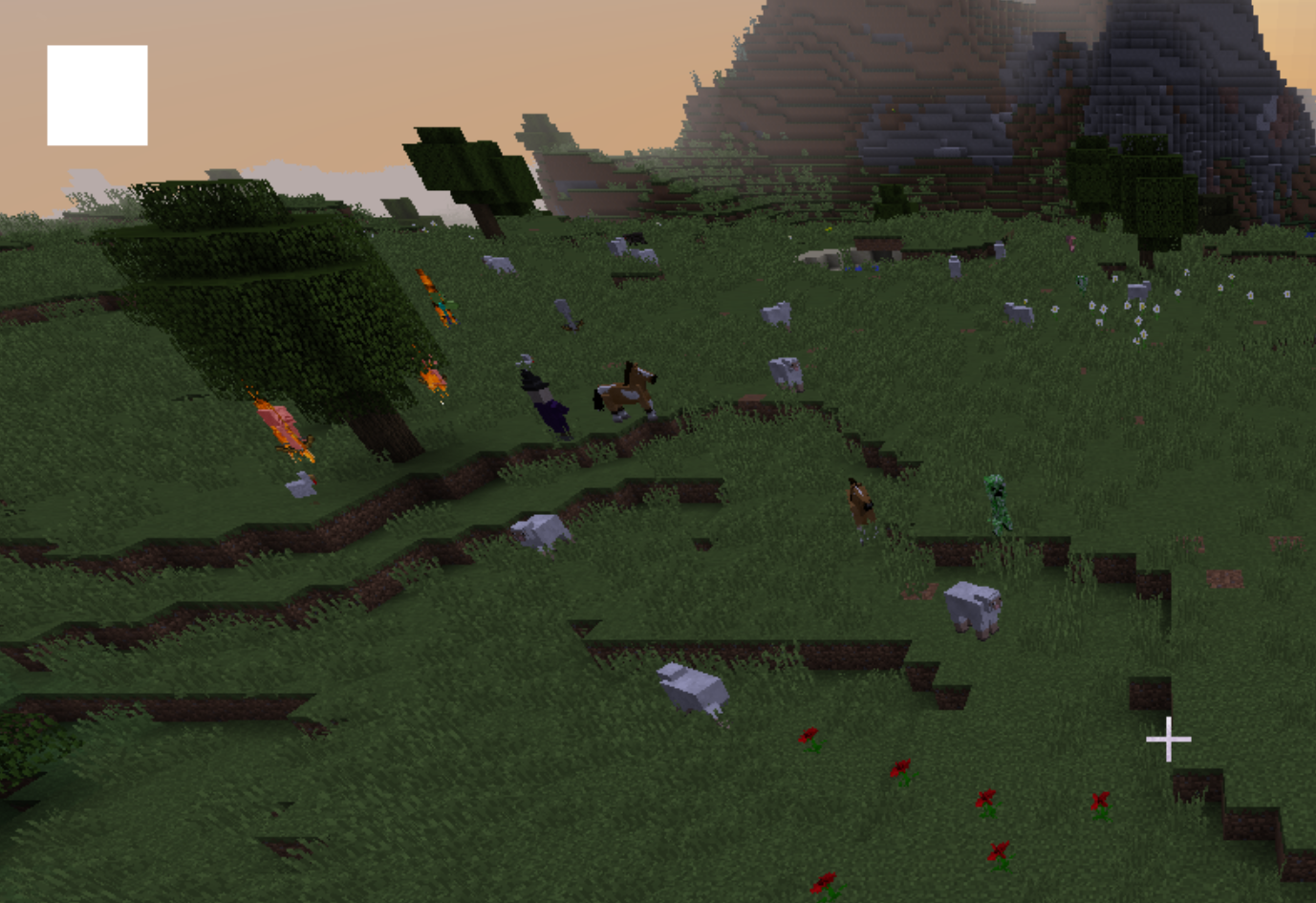
- Square is being rendered correctly without
disableCull - Because I defined my square in a counterclockwise order
 Nullpinter